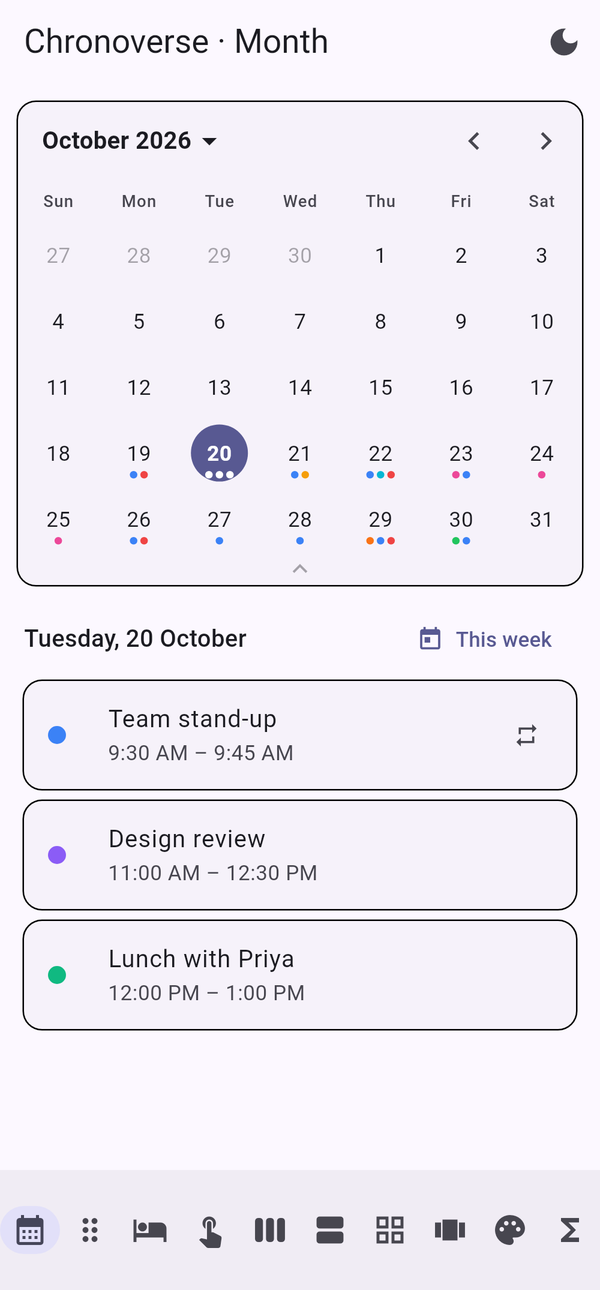
Month, week, year, schedule and planner views, single, multiple and range pickers, typed date input, time zones, recurrence and 80+ date functions. Zero dependencies and fully themeable.


Booking, scheduling, planning, fitness, finance, education or healthcare. Pick the view, theme it, ship it.
Expandable week ↔ month, controlled from code. Quick year and month jumps from the header.
Range presets, maximum length, blocked days, freeze, read-only and disabled states.
Multicolour event cards in five shapes. Drag notes or events onto any day.
Day to week time grid with drag to move, edge resize, work hours, blocked slots and a now line.
Masked input with validation and natural language like “next friday” or “in 3 days”.
Business days, ages, ISO weeks, leap years, formatting, parsing, relative time and more.
Daylight-saving aware zones with correct handling of skipped and repeated hours.
Recurrence, exceptions, attendees, reminders, status, visibility and calendar file import/export.
Colours, shapes, sizes, text and motion. Light and dark follow your app automatically.
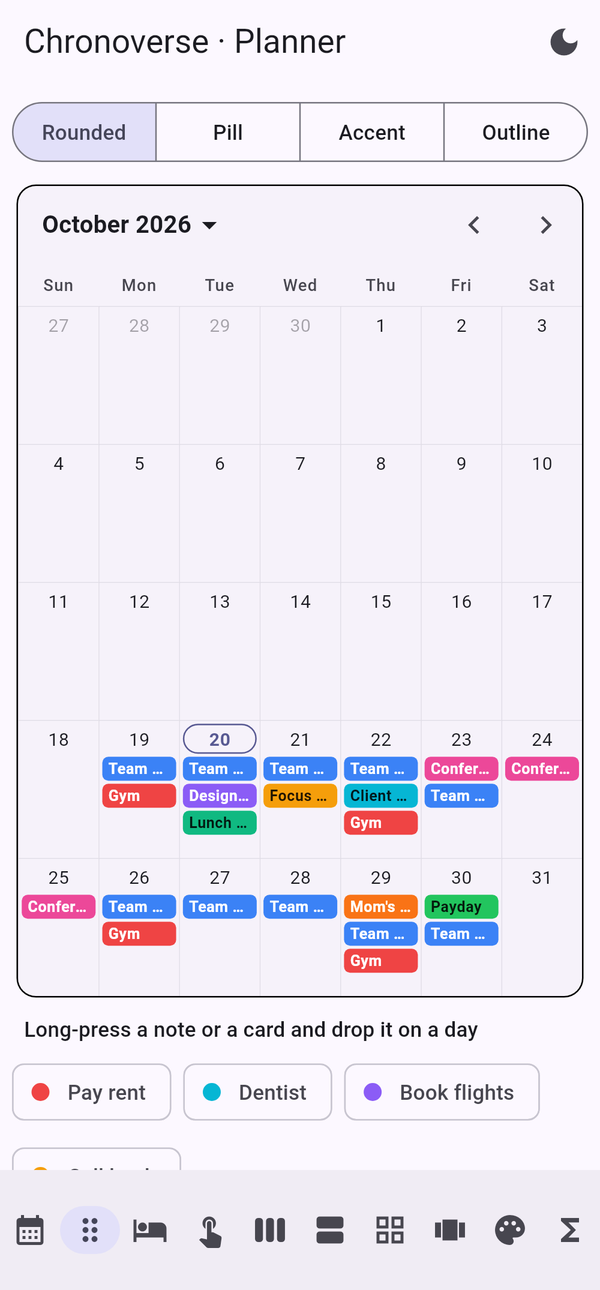
Every screen below ships in the example gallery.
Sensible defaults everywhere, builders that return null to keep the default, and a controller you can
drive from anywhere in your app.
final controller = ChronoCalendarController(); ChronoCalendar( controller: controller, mode: ChronoSelectionMode.range, expandable: true, events: myEvents, availability: DateAvailability(disablePast: true), onRangeSelected: (range) => print(range), ); controller.showWeekOf(DateTime(2026, 12, 21)); // collapse controller.freeze(); // lock Chrono.addMonths(DateTime(2025, 1, 31), 1); // Feb 28 Chrono.addBusinessDays(DateTime.now(), 10); Chrono.parseNatural('next friday'); Chrono.timeAgo(date, locale: 'es'); // hace 3 días
Step-by-step guides for macOS and Windows, a full API reference and a working example app.
Requirements, macOS and Windows setup, verification and troubleshooting.
Download PDF →Every widget and function with code, theming, languages and time zones.
Download PDF →Every class, method and option, documented.
Open reference →A gallery of ten demos you can run in one command.
Browse example →One package for every date, every view and every picker.